Tier list templates
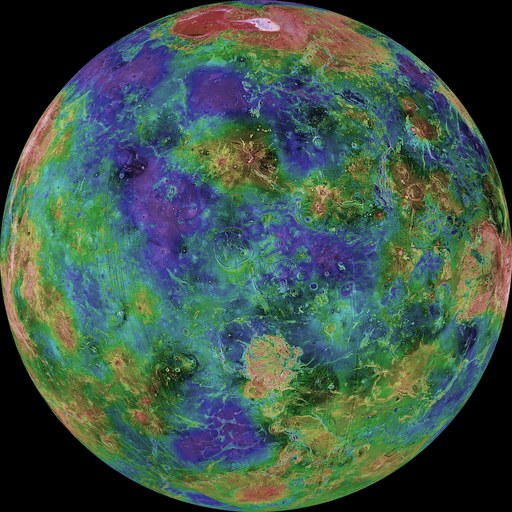
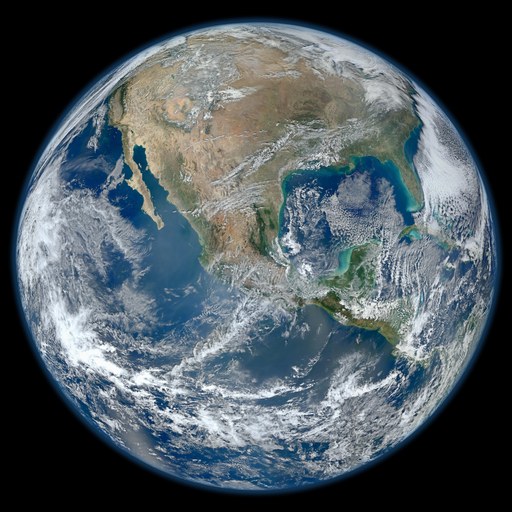
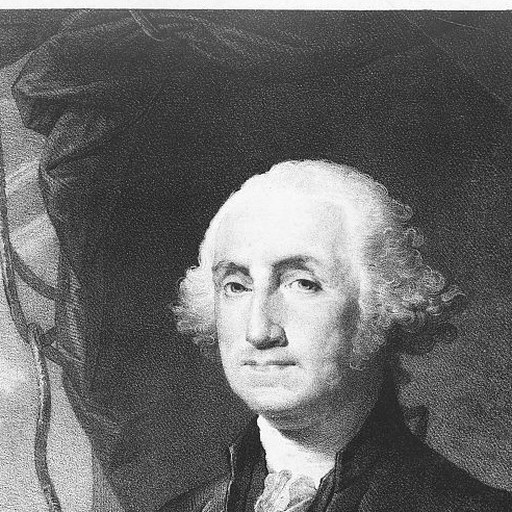
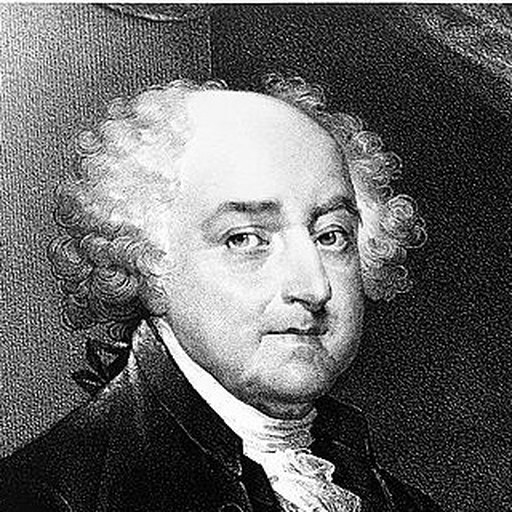
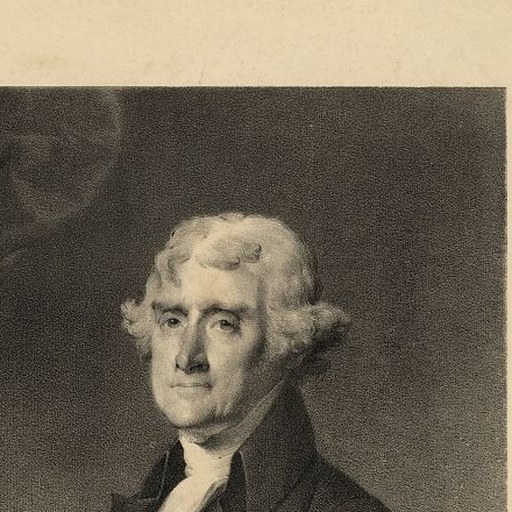
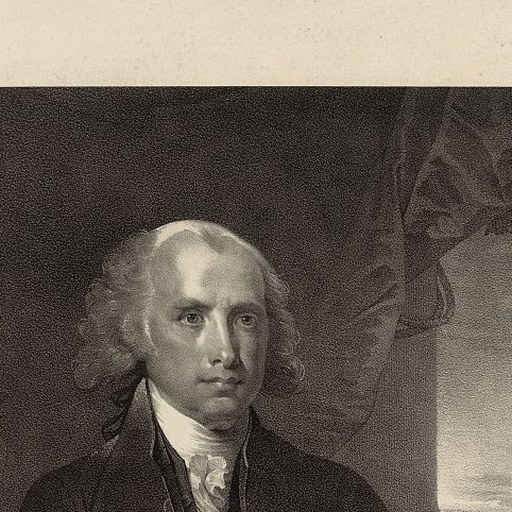
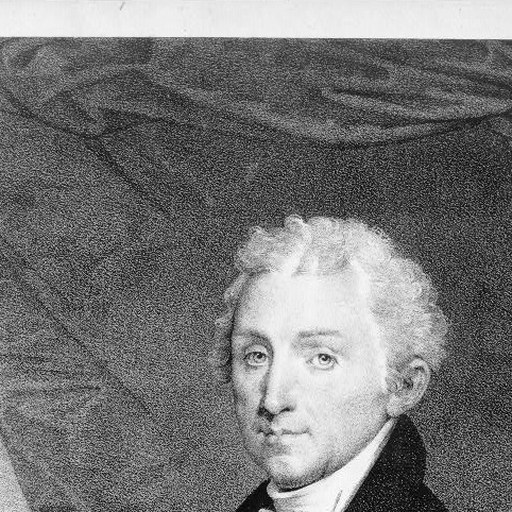
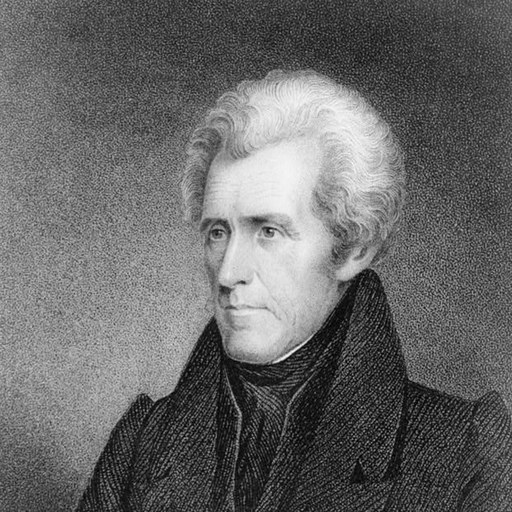
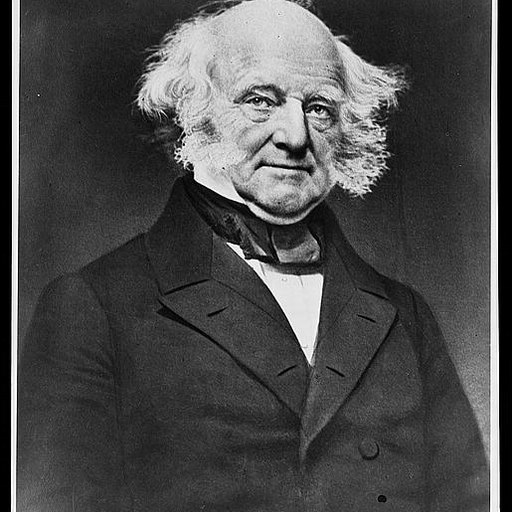
A tier list template is a board set up and left open for anyone else to fill in: the rows are named, the items are waiting in the pool, and the ranking is the part left to you. Start from the blank below, open a ready catalog (flags, presidents, the 32 NFL names), or use a community template and change anything you like.
Start from a blank tier list
Start with an empty tier list and fill it in yourself, or pick one of the templates below and change it.
Templates
Browse tier lists












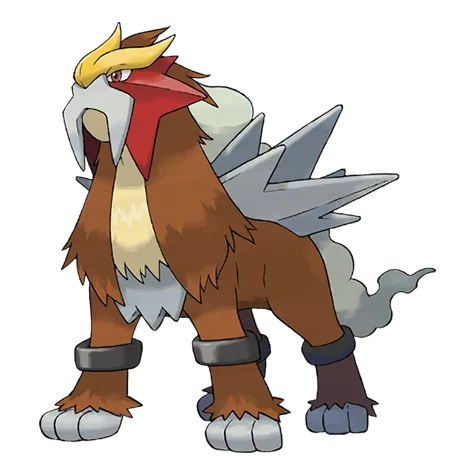






















































































































































What counts as a tier list template
Two different things get called a tier list template, and people searching for one usually mean whichever of them they are short of.
The first is an empty tier list: rows labeled S, A, B, C, D and F with nothing in them, ready for whatever you are about to rank. That is what the blank tier list at the top of this page opens, and it is the quicker route if you already have the pictures or the names to hand.
The second is a filled pool. Somebody has already collected all 151 first-generation Pokemon, every episode of a series, or the twelve pizza toppings that matter, dropped them into the unranked row, and published the result for other people to sort. The collecting is the slow part, so a good pool saves an hour of downloading and cropping. Every template published on this site is that kind.
What the blank tier list starts with
Six rows, labeled S, A, B, C, D and F, in the usual warm to cool color run. Nothing is placed in them and the pool underneath is empty.
None of that is fixed. Rename a row to anything you like (plenty of lists work better as "Would play again", "Fine" and "Never again"), change its color, reorder the rows, add more or delete the ones you are not using. Items can be pictures from your device, plain text, or both on the same board.
How to use a template
Opening a template gives you your own copy immediately. The original stays exactly as its author published it, so there is nothing you can break and nobody you need to ask.
- Open the template. It loads in the editor as a copy that belongs to you.
- Drag items out of the unranked pool and into the rows. Press and hold works the same way on a phone.
- Change the board while you go: rename rows, recolor them, add your own items, delete the ones you have no opinion about.
- Download the PNG, or publish it to get a page with its own link and a preview image that unfurls properly in a post.
What makes a template worth publishing
The templates people actually use have three things in common. The subject is one everybody in a group already knows, so no one has to look anything up. The pool is complete, because a missing entry is the first complaint in the replies. And the rows still mean something once the items are in them, which usually means six or fewer.
Anything you make here can be published that way. Collect the items, leave them unranked, and choose "Publish as template" rather than "Publish as chart" in the publish dialog. It gets a page of its own, it appears on this one, and everyone who opens it starts from your pool with the ranking empty.
That is how every good template anywhere got made: one person does the collecting, everyone else does the arguing. If you are about to spend twenty minutes cropping sixty images, publishing the result costs nothing extra and saves the next person the same twenty minutes.
- Tier list maker: the tool itself, and what it can do.
- Community tier lists: finished lists people have published, templates or not.
Common questions
What is a blank tier list?
An empty one: the rows exist and are labeled, usually S down to F, and nothing has been placed in them yet. The blank tier list at the top of this page opens exactly that in the editor, six rows and an empty pool, with no sign-in step in the way.
What is the difference between a template and a finished tier list?
A template is published as a starting point, so it usually arrives with the items collected and the ranking left undone. A finished list is somebody making their case. Both can be opened and remixed here; the templates are simply the ones whose authors meant them to be.
Does using a template change the original?
No. You get your own copy the moment you open it, and the author keeps theirs untouched. Anything you publish afterwards is a separate page, under your name if you are signed in and anonymously if you are not.
Do I need an account to use a template?
Not to use one. Opening a template, filling it in and downloading the picture all work without a login, and your copy is kept in this browser as you work. Publishing your version is the one thing that needs an account, because a published list is a public page with a name on it. Signing in at that point also gathers your published lists on one profile page and lets you carry on editing them from another device.
Can I add or remove items from a template?
Yes. It is your copy, so add your own pictures or text entries, delete anything you have no opinion about, and rename or recolor the rows. Nothing in a template is locked.
Where do the templates on this page come from?
The ready catalogs (country flags, US presidents, NFL names, fruit, and the rest of the loaded pools) are shipped with the site. Everything else comes from people who pick "Publish as template" when they publish. Community templates sit on this page with the catalogs, newest and most popular first.
How do I publish a template for other people?
Build the board, leave the items sitting in the unranked pool, then choose "Publish as template" in the publish dialog and give it a title. It appears on this page, and anyone who opens it gets an unranked copy of your pool to sort.
Browse tier lists by topic
Make a tier list of your own
Collect a pool, leave it unranked, and publish it as a template. It appears on this page, and anyone can open a copy. Open the tier list maker to start from scratch.