Make tier lists, alignment charts, maps, venn diagrams and more
Every format is free to create and export, with no account needed. Pick one to start making, or browse charts people have published.
Pick a chart type
Browse by category
View all categories


Templates to fill in
See all templatesBoards other people made, ready for your version.






































Examples
See newest chartsA recent chart from every format, so you can see what each tool makes.

Trending
Browse all chartsPublished charts from every format, ordered by what people are opening this week.

Trending maps
See all mapsPublished maps, ordered by trending score.
What you can make here
Tiermaps is one site for the charts people actually share: ranking things, sorting things, arguing about things and coloring things in, rather than plotting data. Every format below is free to create and export in the browser, with no account needed.
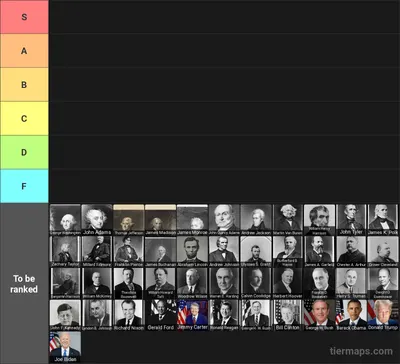
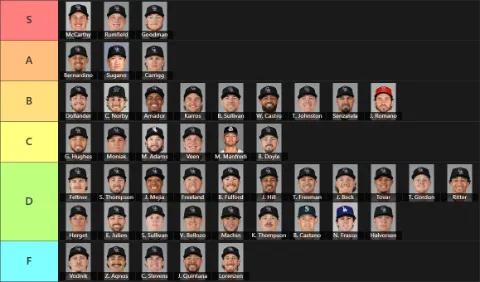
The tier list maker ranks anything into labeled tiers, from S down to F. Upload a batch of pictures in one go or type the entries, rename and recolor the tiers, drag everything into place with a finger or a mouse, then export the whole board as a picture.
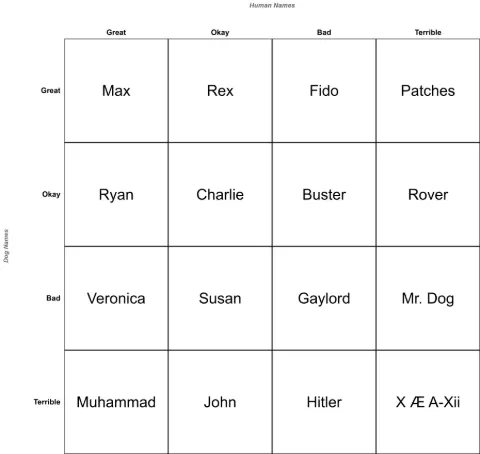
The alignment chart maker fills in a labeled grid, including the 3x3 lawful good to chaotic evil layout everyone knows. Grids also come in 2x2 for a quick two-axis take, 5x5 when nine boxes are not enough, and any size you type up to 100 rows by 100 columns, with a picture or a line of text in every box.
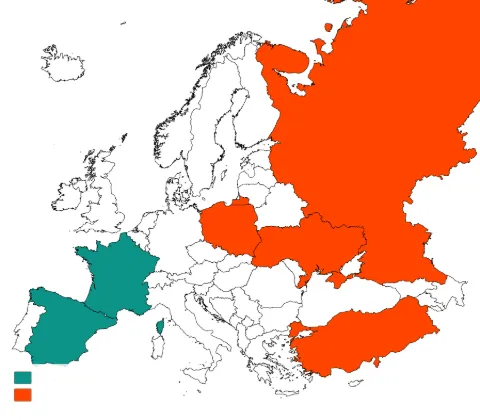
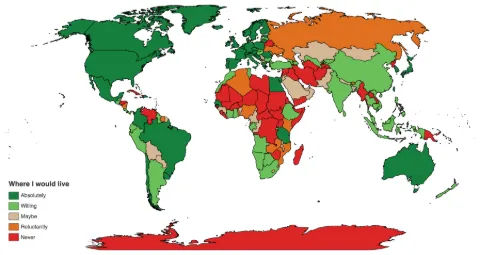
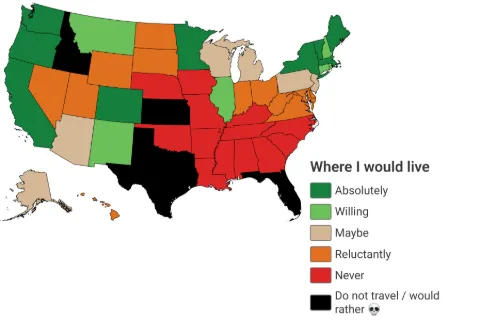
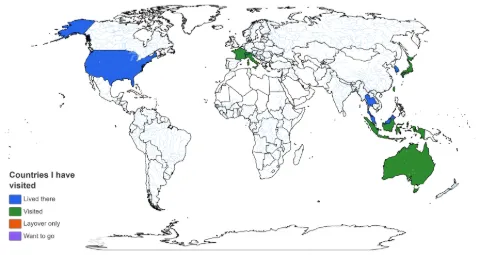
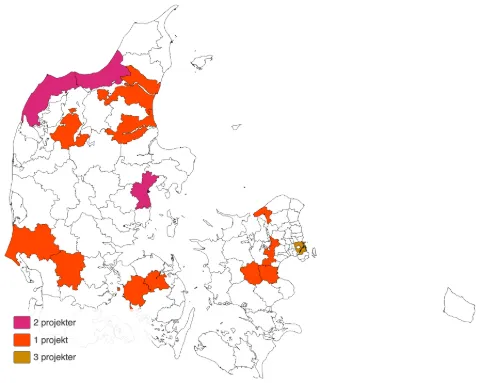
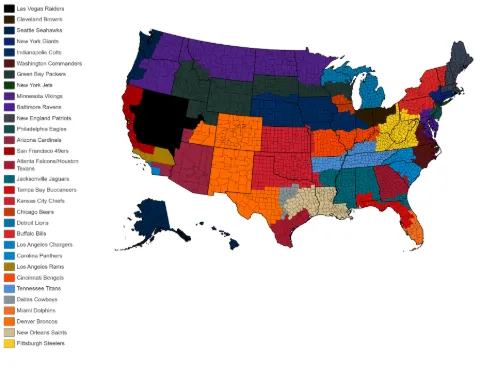
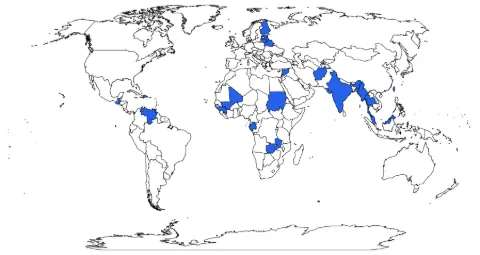
The map maker colors in countries, states, provinces or counties, from a world map down to all 3,144 US counties. Click to paint, or paste a list you already have, and the legend writes itself from the colors you used and the names you gave them.
The venn diagram maker draws two to seven overlapping circles and lets you fill every region, including the small overlap in the middle that most diagram tools quietly ignore. There is a pins-and-string connection board in the same editor for the times when the subject is who is linked to whom.
The political compass maker plots anything on two crossed axes, or up to eight when four quadrants are not enough. Name the axes yourself, place pictures or labeled points anywhere on the chart, and the result stays readable at phone size.
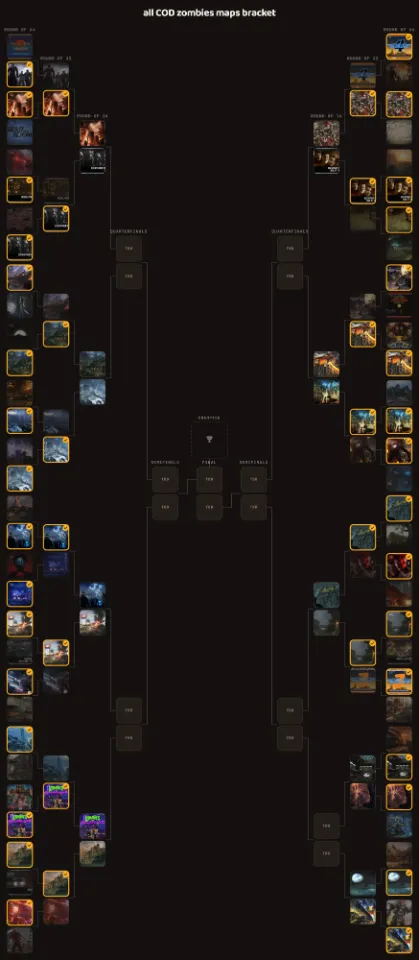
The bracket maker runs a knockout of anything from 3 entrants to 512, drawn at exactly the size you ask for rather than padded out to the next power of two. Add pictures or names, pick the winner of each match, and share the finished bracket once the final is decided.
The freeform canvas is the blank one: images, text, thirteen shapes, freehand drawings, small grids and a knockout bracket, placed wherever you want them, for charts that need a layout none of the other formats has.
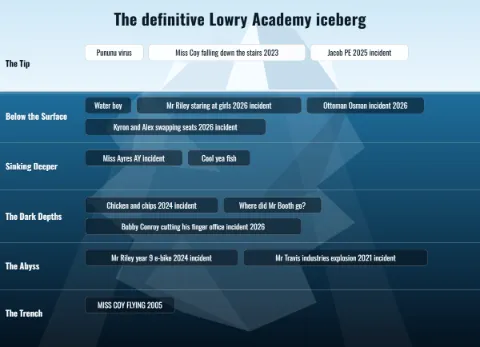
The iceberg chart maker ranks a topic by how deep the lore goes: common knowledge sits on the tip above the waterline and every level below gets more obscure. Add text or pictures at each depth, attach a note to any entry, and the iceberg grows with your list.
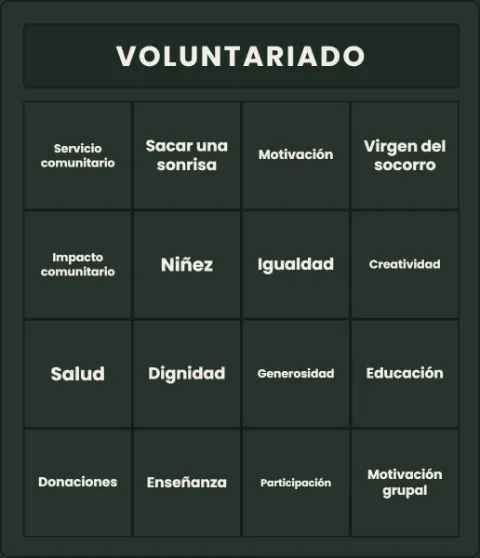
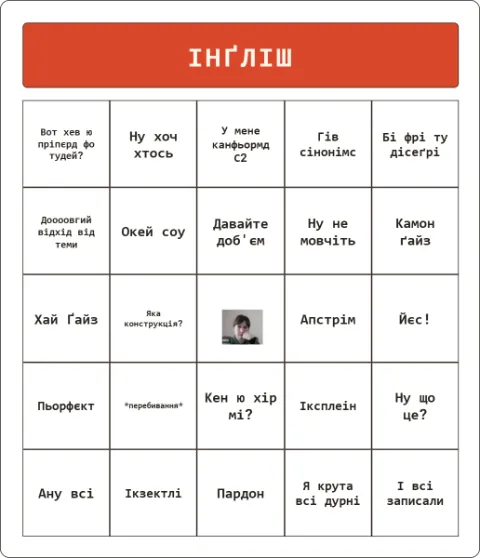
The bingo card generator turns any list into a 3x3, 4x4 or 5x5 bingo card: paste one entry per line, shuffle, and print up to 30 unique cards for a party, a classroom or a meeting. Published cards are playable in the browser, with a tap to daub each square.
The word cloud generator turns any pasted text into a picture where the words used most often are drawn the biggest. Remove the words that do not belong, pick a palette and a shape, and regenerate until the arrangement looks right.
The spin wheel picks a random winner from any list: type the entries, spin, and watch it land. Wheels run entirely in your browser and save on your device, with weighted entries, a results history, and an account library if you sign in.
The grid maker lays out a board of prompts, one picture each: favorite game, most overrated, best soundtrack. Pick every answer from the shared picture library or upload your own, write the prompts yourself or start from an about-me template, and share the finished grid.
The sankey diagram maker draws where an amount goes: a paycheck splitting into rent, food and savings, or revenue turning into costs and profit. Tap a node to add a branch, drag it onto another to re-link, and the ribbons resize as you type the amounts. The same editor charts a salary progression, one job per row.
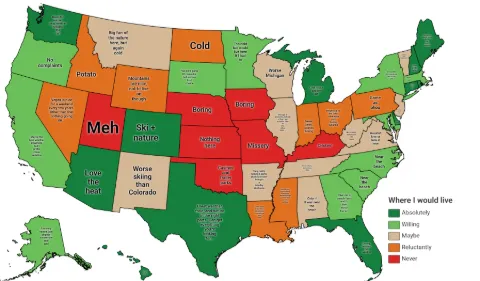
The where I would live maker takes one answer per state or country, from absolutely to never, and shows it three ways at once: a coloured map, a tier list of flags, and a ranked list you can reorder. Change an answer in any view and the other two follow, then export all three or publish one page carrying them.
Publishing is optional. You can export the picture and never post it, or publish the chart to get a shareable link, a preview card that unfurls properly in a post, and a page other people can find.