Grid templates
A grid template is a board of prompts with the pictures left for you: Favorite Game, Best Soundtrack, Overrated, one picture each. Start from the blank grid below, open a ready-made about me grid template, or use one somebody published. Your copy carries their prompts and none of their answers, and it is yours to fill, download or publish.
Start from a blank grid
Start with an empty grid and fill it in yourself, or pick one of the templates below and change it.
Templates
Browse grids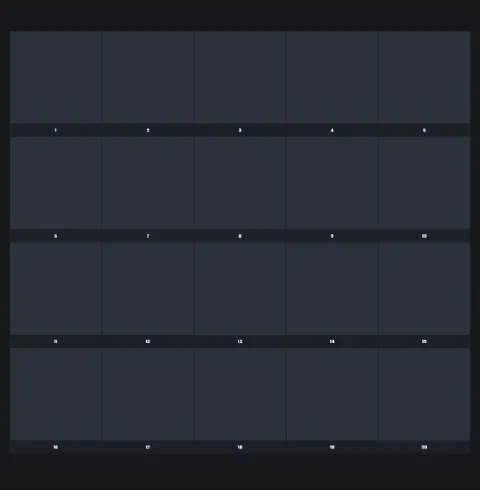
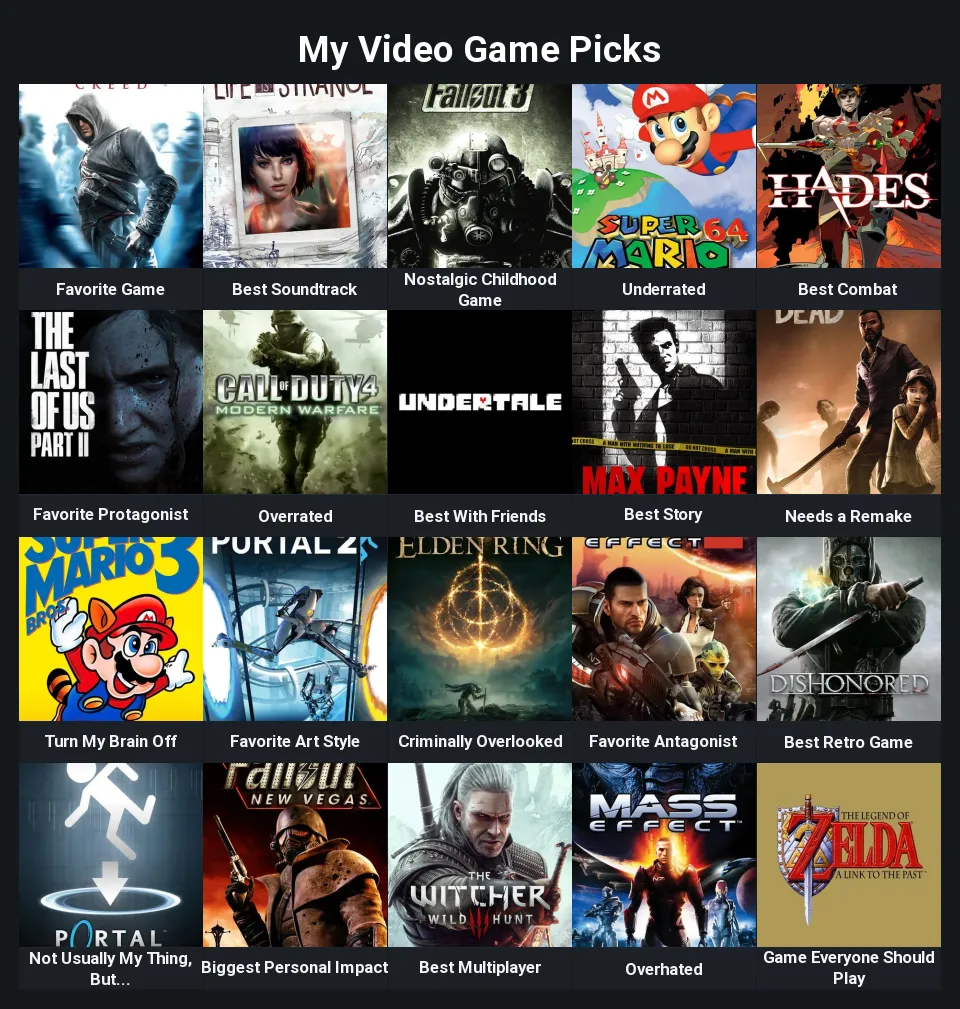 20slots
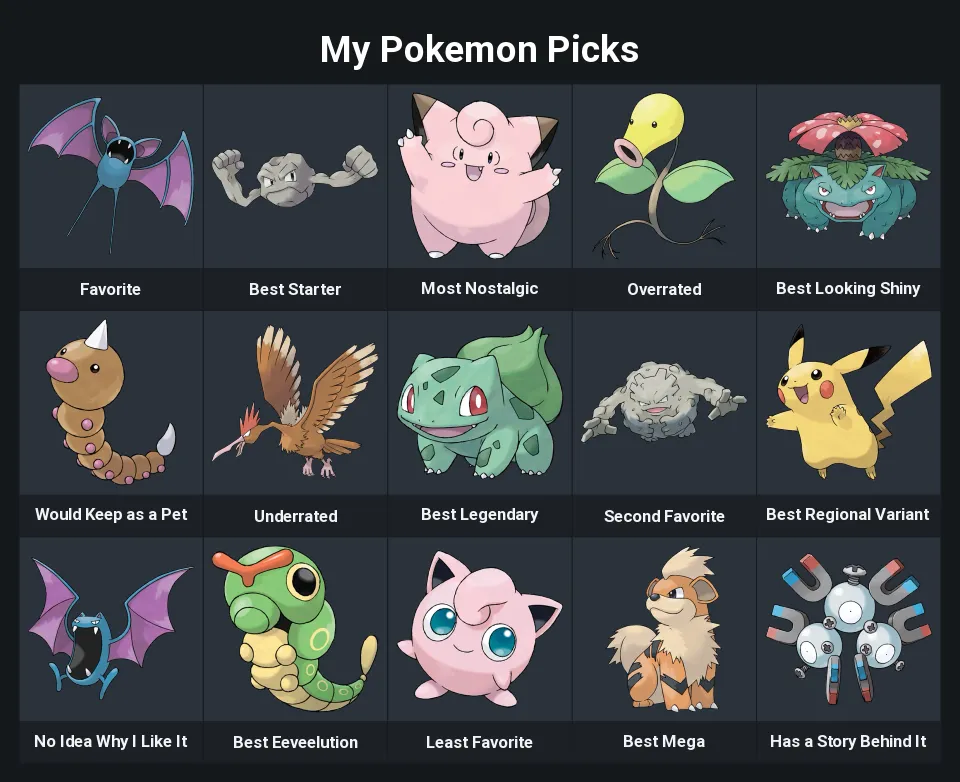 15slots
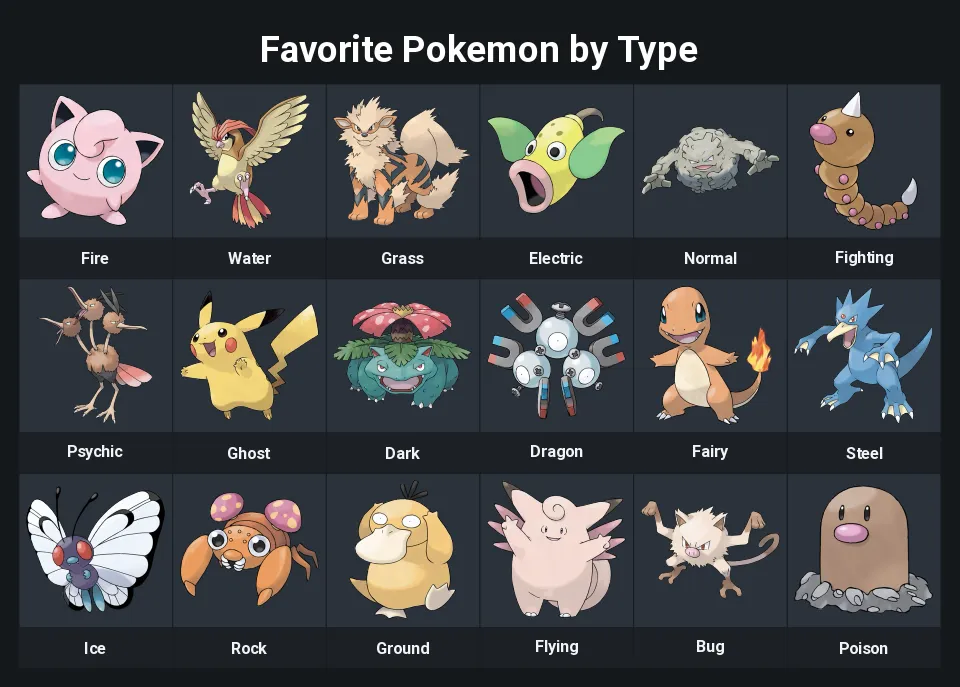 18slots
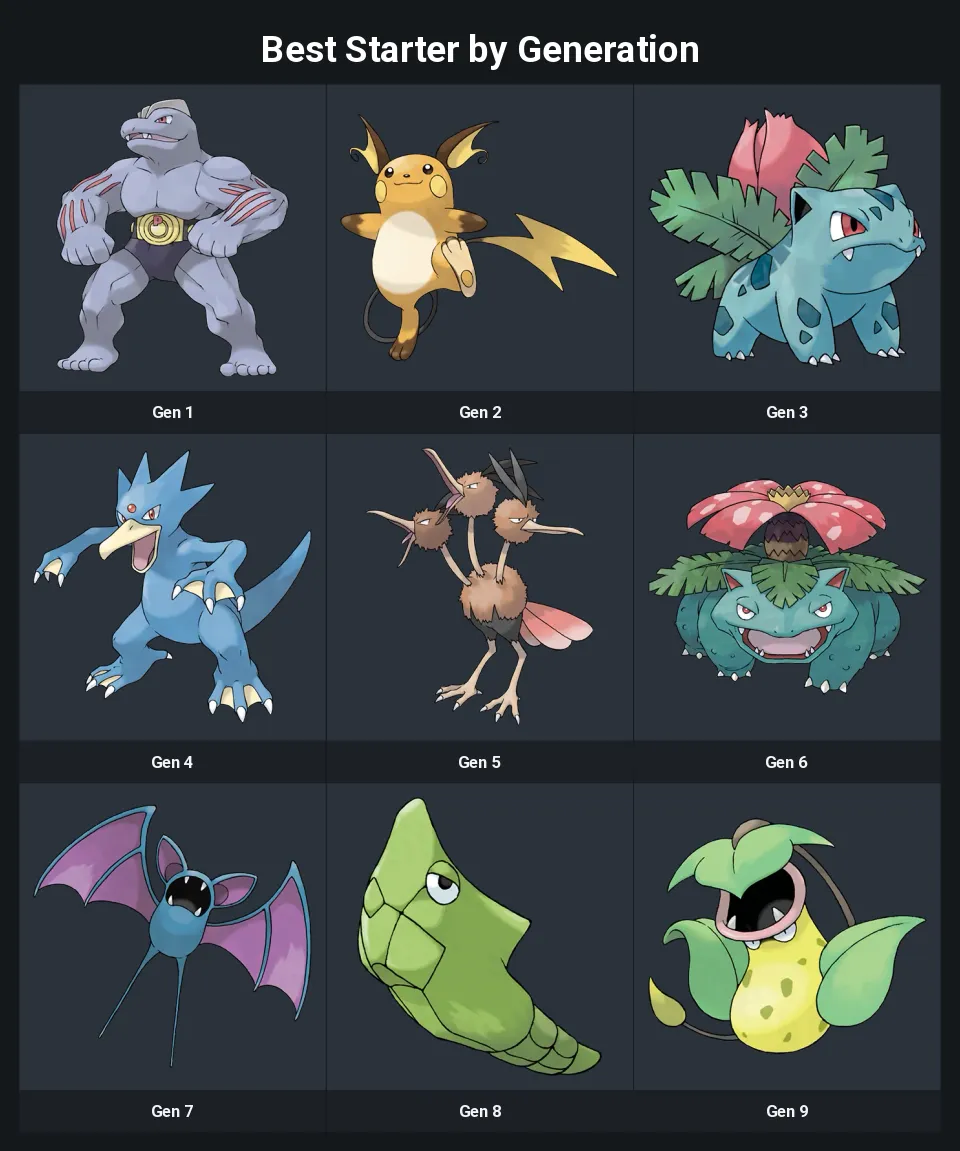 9slots
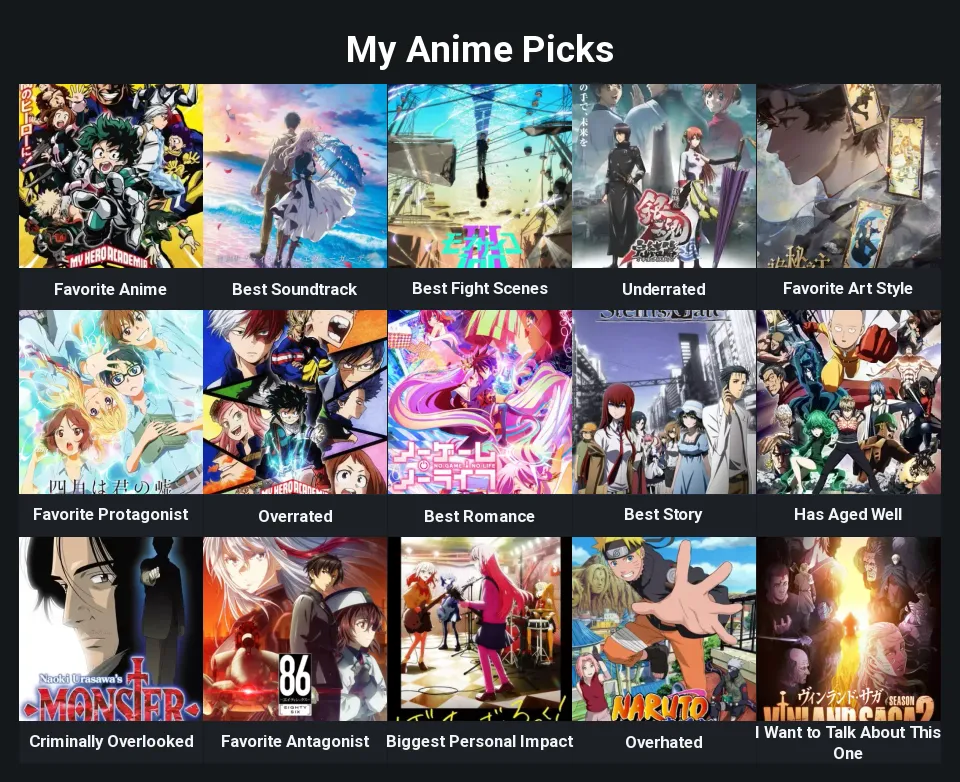 15slots
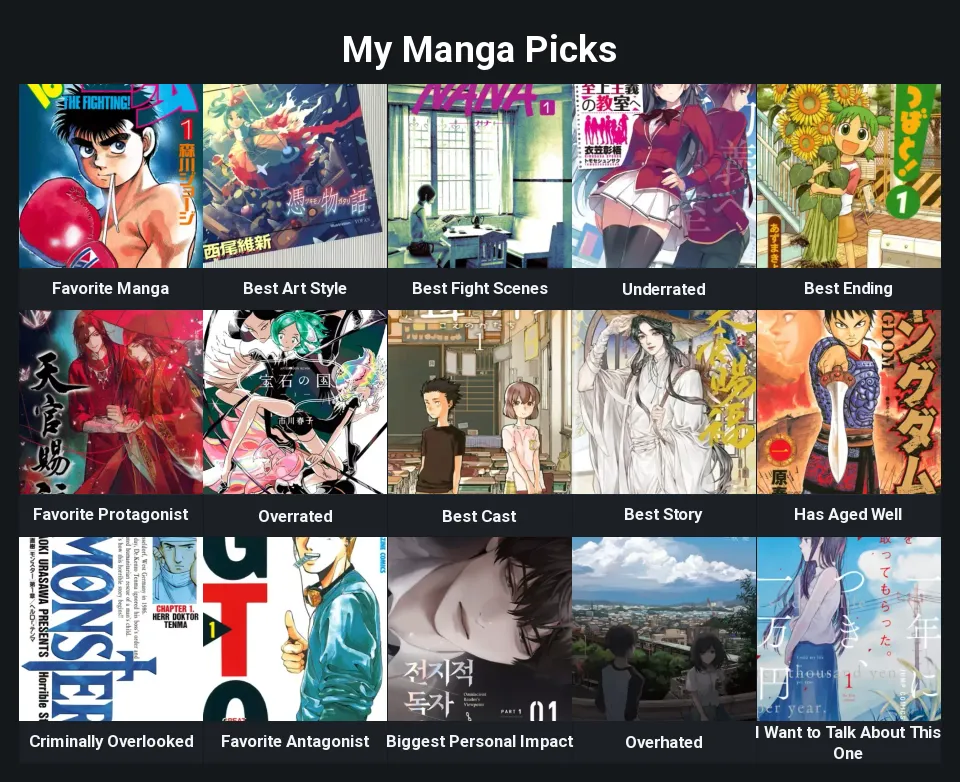 15slots
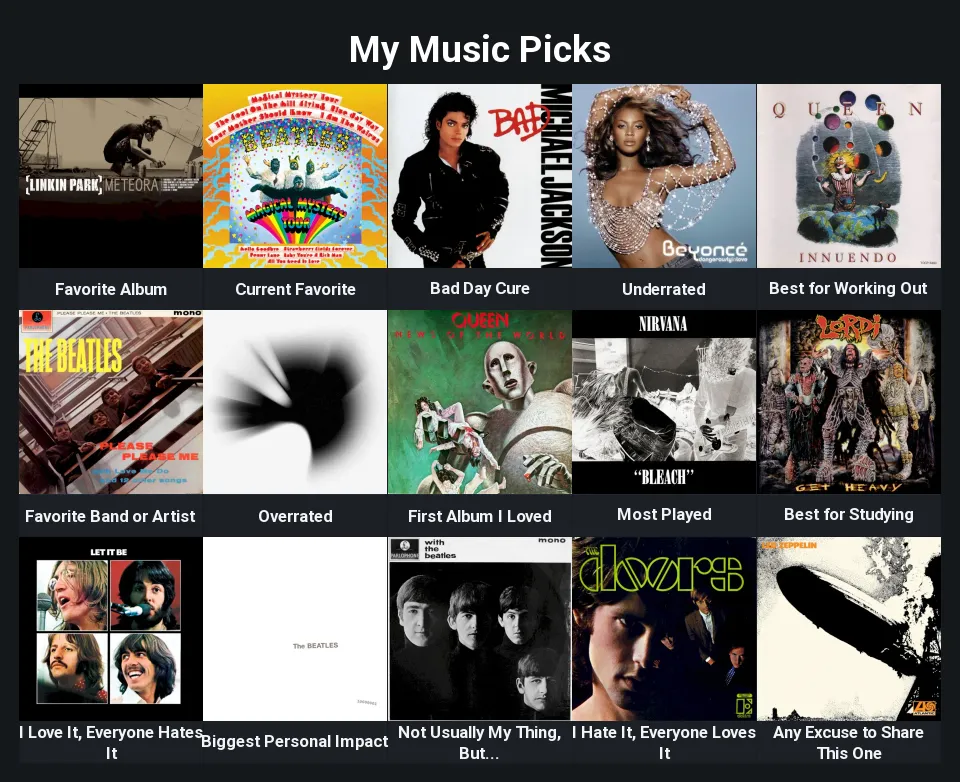 15slots
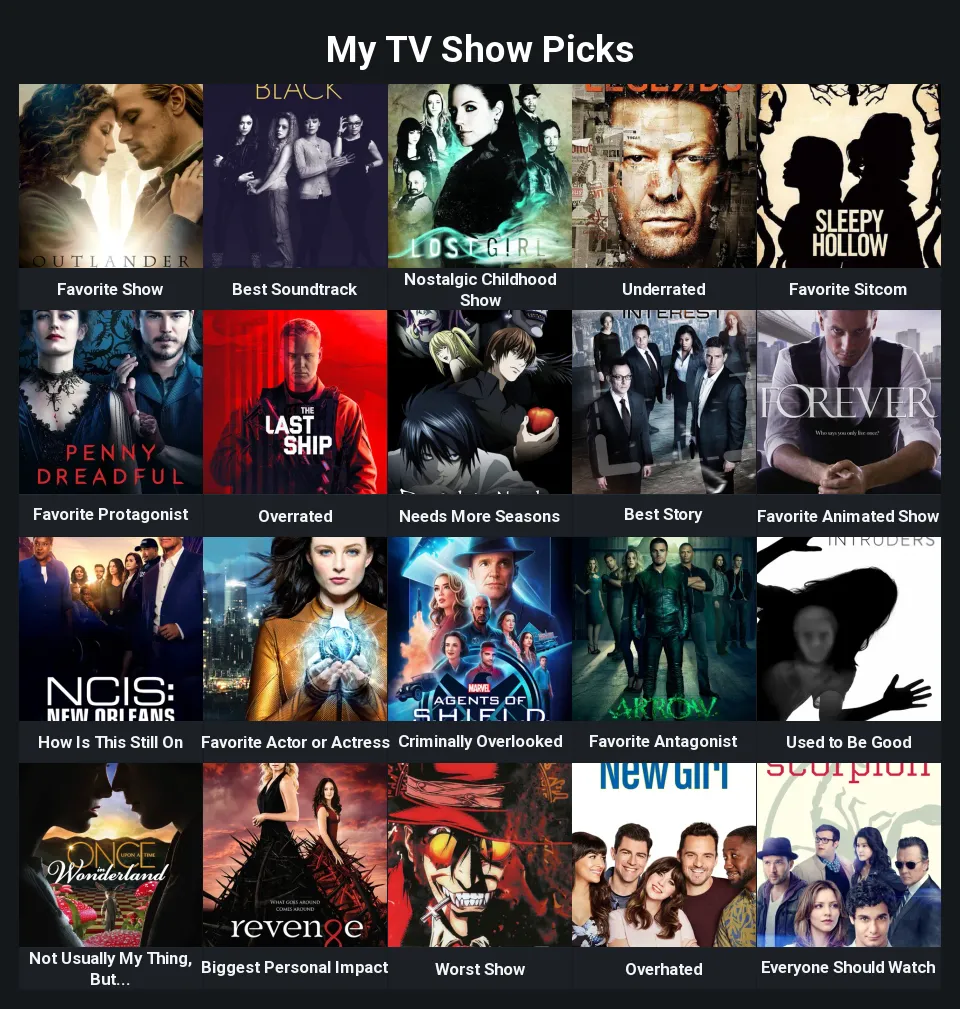 20slots
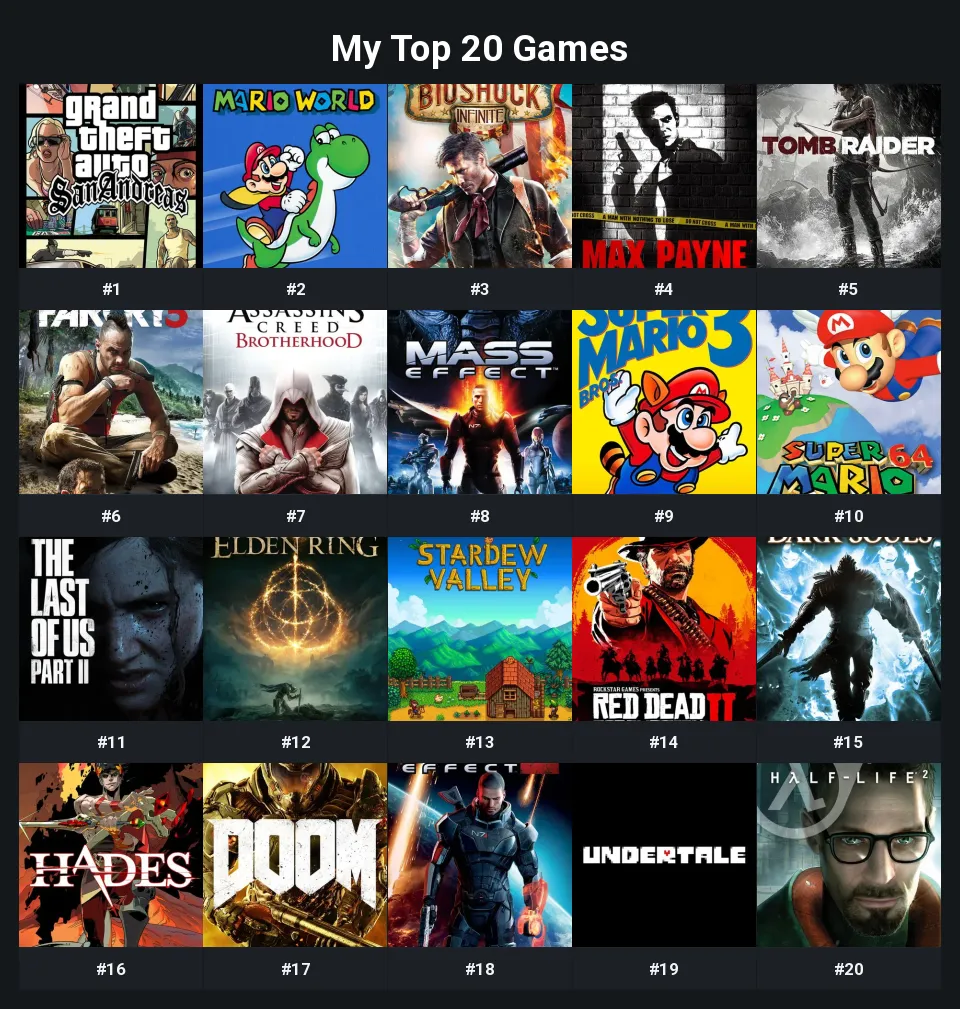 20slots
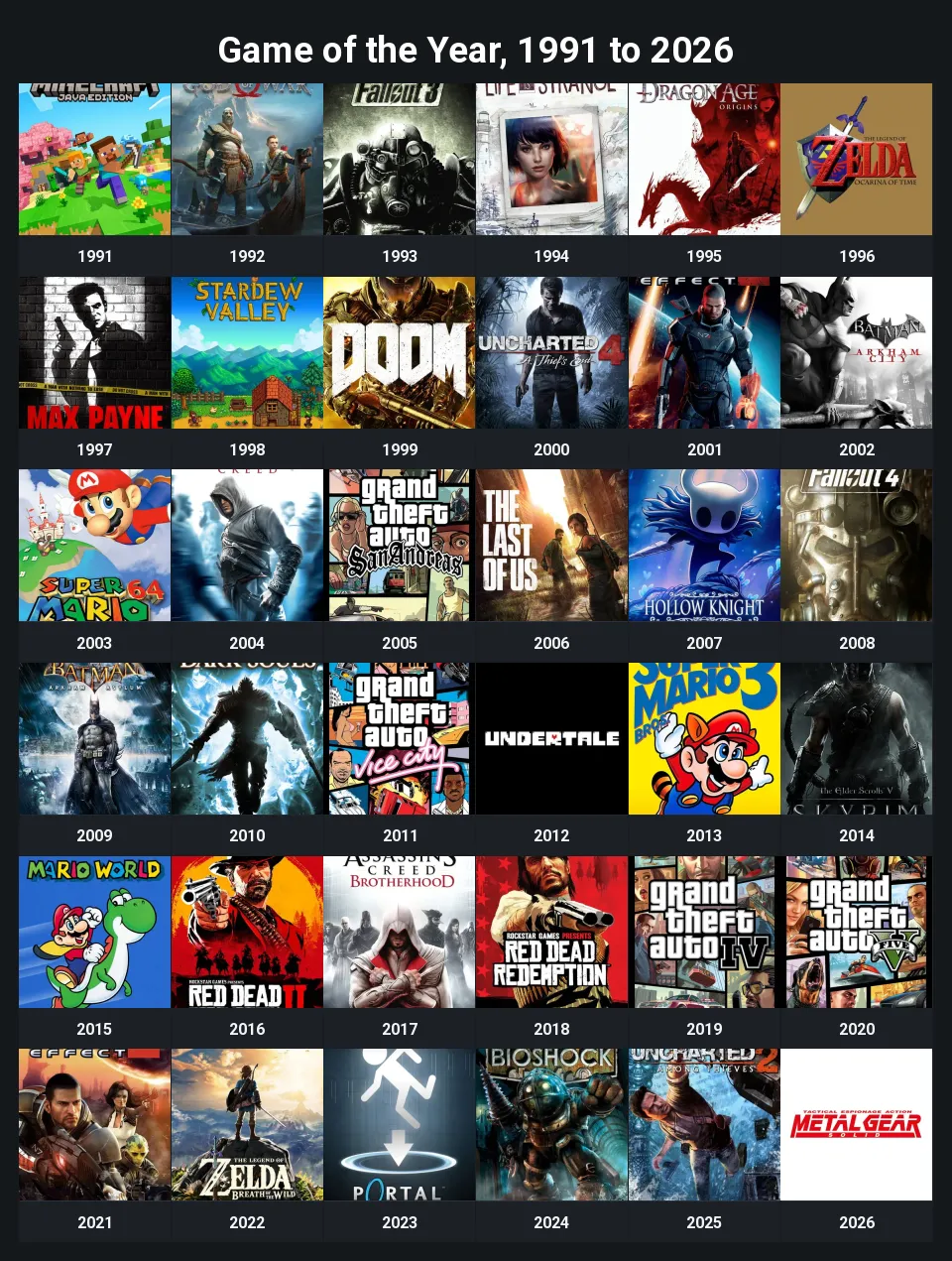 36slots
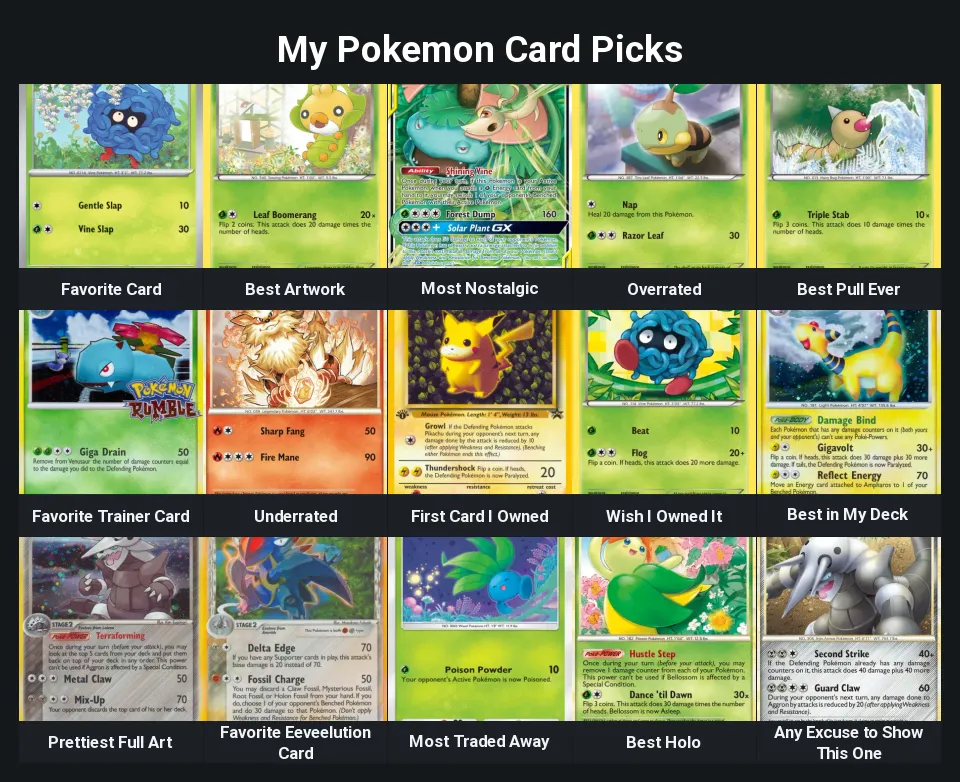 15slots
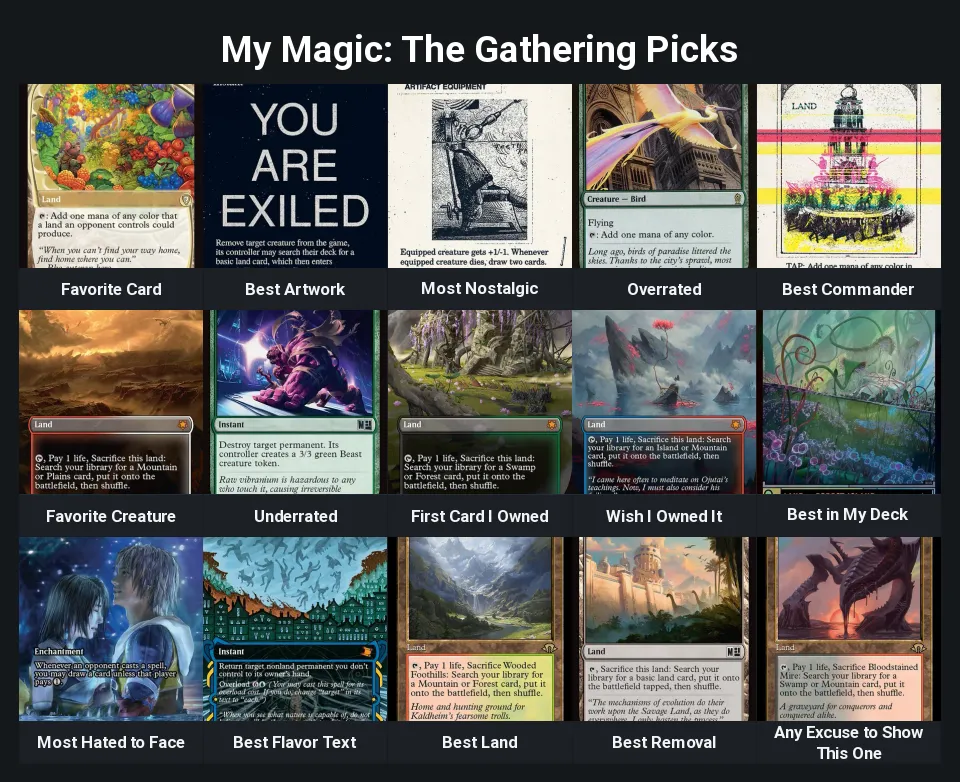 15slots
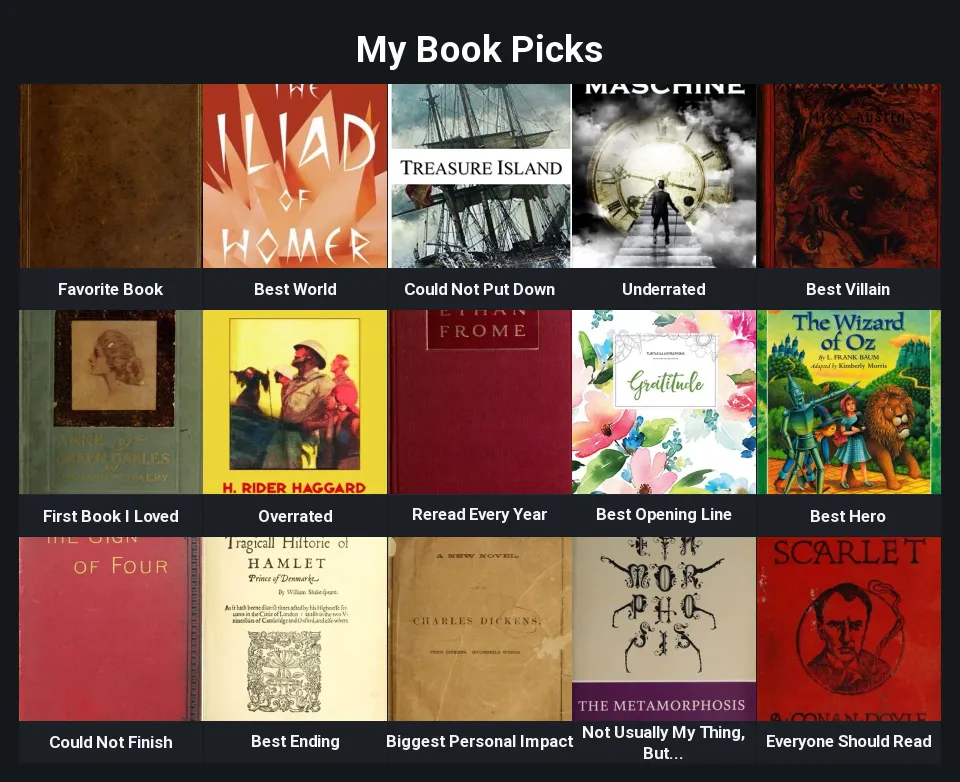 15slots
What a template is here
A grid template is its prompts. Somebody decides what the board asks (the twenty questions of an About Me: Video Games board, the eighteen types of a favorite-Pokemon board, the years of a game-of-the-year list), writes one short line under every slot, and publishes the board so other people can answer the same questions with their own pictures.
Opening one gives you your own copy with every picture cleared. The prompts are ordinary text, so you can rewrite any of them, add rows or columns, change the palette and the slot shape; the original stays exactly as its author published it. The ready-made boards on this page work the same way, except that nobody made them but the site.
Sizes and shapes
A grid is anything from 1 to 12 rows by 1 to 10 columns. The blank opens at 3x5, fifteen slots, and the quick starts add 3x3, 3x4, 4x5 and 5x5. Ready-made boards use whatever their prompts need: a 4x5 for the twenty about-me questions, a 3x6 for the eighteen Pokemon types, a 6x6 for one game per year since 1991. Changing the size later keeps the prompts and pictures already sitting in the slots that survive.
Each slot is a picture box with the prompt printed under it. The box is square by default; portrait suits posters, covers and character art, landscape suits stills and screenshots, and the whole board switches at once. Four palettes (Slate, Paper, Ink and Cream) set the page, the boxes and the prompt bands together, and an optional caption strip prints each picked item's name over its picture.
Where the pictures come from
The pictures come from the site's shared library, docked beside the board on a desktop and sliding up from the bottom on a phone. It holds packs of game covers, Pokemon, anime and manga art, album covers, film posters, TV shows, board games and book covers, each with its own search box, and an Upload tab for anything the packs do not have. Click a slot, click a picture, and the slot is answered; one picture per slot, no cropping or resizing to do.
A ready-made board opens with the pack it is about already selected, so the About Me: Anime board starts on the anime pack and the board game board on the board game pack. A template you open from this page does the same when its author built it from one pack.
How to use a template
The whole loop is a few minutes for a fifteen-slot board, and the last step is what turns a filled board into something other people can fill too.
- Open the template. It loads in the editor as a copy that belongs to you, prompts written and slots empty.
- Rewrite any prompt that does not fit, and add or drop rows if you want more or fewer questions.
- Click each slot and pick its picture from the library, or upload your own.
- Download the grid as a picture, or publish it: as a grid, so people see your answers, or as a template, so they answer your prompts themselves.
Publish a template of your own
The scarce part of a good grid is the set of questions, not the pictures. If you have written fifteen prompts that get at what someone actually thinks about a game series, a decade of music or a shelf of books, that board can carry every grid like yours: fill it in or leave it empty, and choose "Publish as template" in the publish dialog. It appears on this page with the pictures cleared, and anyone who opens it answers your prompts with their own.
- Grid maker: the editor itself, with the ready-made boards and the picture library.
- Community grids: finished grids people have published here, every slot answered.
Common questions
What is a blank grid?
A board with nothing written in it. The blank grid at the top of this page opens one in the editor at 3x5, fifteen empty slots with an empty prompt line under each. Write the prompts, then click each slot and pick its picture. Other sizes are one setting away, from a single row up to 12 by 10.
What is an about me grid template?
A board whose prompts ask about you: Favorite Game, Biggest Personal Impact, Nostalgic Childhood Game, Game Everyone Should Play. The site ships ready-made ones for video games, Pokemon, anime, manga, music, movies, TV shows, board games and books, and any member can publish their own set of questions the same way.
Does a template come with pictures?
No, and that is the point. A template is the questions; the pictures are the answers, and they are yours to give. When you open one, every slot is empty and every prompt is written. If the author filled their own copy in, you still get the cleared version.
Can I change the prompts?
Yes. Each prompt is a line of text under its slot, up to 80 characters, and a template only writes them for you. Rewrite any of them, leave some blank, or number them for a ranked list. You can also add or remove rows and columns; the prompts already in the surviving slots stay put.
Where do the pictures come from?
From the shared picture library in the editor: packs of game covers, Pokemon, anime and manga art, album covers, movie posters, TV shows, board games and book covers, each searchable, plus an Upload tab for your own images. On a desktop the library is docked beside the board; on a phone it slides up when you tap a slot.
Does using a template change the original?
No. You get your own copy the moment you open it, and anything you publish afterwards is a separate page. The author keeps their version untouched.
Where do the templates on this page come from?
From people using the site, plus the ready-made boards the site ships with (the about me boards, the Pokemon boards, the top 20 and the game of the year list). Anyone who picks "Publish as template" when publishing a grid shows up here; nothing is stock content brought in from somewhere else.
Make a grid of your own
Collect a pool, leave it unranked, and publish it as a template. It appears on this page, and anyone can open a copy. Open the grid maker to start from scratch.